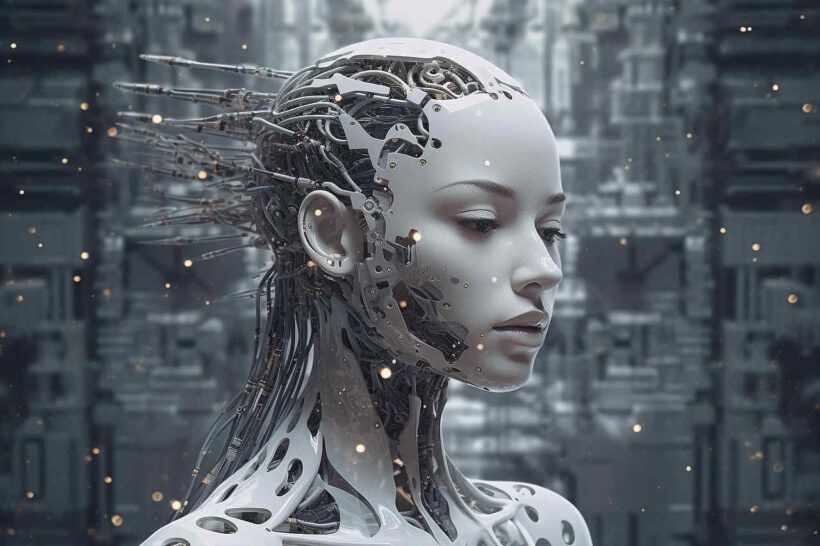

Are you hesitant to dive into video marketing due to the perception that it requires expensive equipment and professional video production skills? Do you find it challenging to consistently produce fresh video content? In this comprehensive guide, you’ll discover how to create professional videos using AI tools that don’t demand any prior video experience. You’ll learn how to create avatar-based videos, and much more.
In the digital age, video content is king. It’s no longer a luxury but a necessity for businesses aiming to thrive in the online landscape. However, the perception that video marketing is exclusive to those with professional equipment and skills has deterred many from exploring this powerful medium. But what if I told you that you can create high-quality, professional videos without any prior experience or expensive gear? Enter AI-powered video creation tools. These innovative platforms are revolutionizing the way we approach video content, making it accessible and easy for everyone.
In this article, we’ll delve into the world of AI video creation, exploring its benefits, the tools available, and how to leverage them to grow your business. We’ll also address common questions and provide tips to help you get started on your video marketing journey.
Why AI Video Creation is a Game-Changer
The Rise of Video Content
Video content has seen a meteoric rise in recent years. According to a report by Cisco, global internet video traffic will account for 82% of all consumer internet traffic by 2022, up from 75% in 2017. This staggering growth is a testament to the power of video in engaging audiences and driving business growth.
The Accessibility Factor
One of the most significant advantages of AI video creation is its accessibility. Unlike traditional video production, which requires expensive equipment, skilled personnel, and a significant time investment, AI tools democratize video creation. They allow anyone, regardless of their background or resources, to create professional-quality videos.
Cost-Effectiveness
AI video creation is also cost-effective. Traditional video production can be expensive, with costs ranging from $500 to $5,000 per minute, depending on the complexity of the project. In contrast, AI tools offer a more affordable alternative, with some platforms providing free or low-cost options.
Time-Saving
Another benefit of AI video creation is its time-saving nature. Traditional video production can be a time-consuming process, involving scriptwriting, filming, editing, and post-production. AI tools streamline this process, allowing you to create high-quality videos in a fraction of the time.
Top AI Video Creation Tools
Synthesia
Synthesia is a leading AI video creation platform that uses deep learning to create realistic videos of people who don’t actually exist. It’s perfect for creating explainer videos, product demos, and more. Synthesia’s AI avatars can be customized to match your brand’s voice and visual identity, making them a powerful tool for businesses.
Pictory
Pictory is an AI-powered video creation tool that turns long-form content into short, engaging videos. It’s ideal for businesses looking to repurpose their blog posts, articles, and social media content into video format. Pictory’s AI algorithms analyze your content and automatically generate a video script, complete with visuals and voiceovers.
InVideo
InVideo is an all-in-one video creation platform that offers a range of features, including AI-powered video editing, animation, and graphics. It’s perfect for businesses looking to create a variety of video content, from social media posts to full-length videos. InVideo’s AI tools can help you create professional-quality videos without any prior experience.
Wibbitz
Wibbitz is an AI-powered video creation tool that allows you to create videos from text. It’s perfect for businesses looking to create quick, engaging videos for social media or email marketing. Wibbitz’s AI algorithms analyze your text and automatically generate a video script, complete with visuals and voiceovers.
How to Create Professional Videos with AI
Step 1: Choose Your AI Tool
The first step in creating professional videos with AI is to choose the right tool for your needs. Consider factors such as your budget, the type of videos you want to create, and your level of experience. Each AI tool has its unique features and capabilities, so it’s essential to choose one that aligns with your goals.
Step 2: Plan Your Video
Once you’ve chosen your AI tool, the next step is to plan your video. This involves defining your video’s purpose, target audience, and key messages. A well-planned video is more likely to engage your audience and achieve your desired outcomes.
Step 3: Create Your Video Script
The next step is to create your video script. If you’re using a tool like Pictory or Wibbitz, this step can be automated. However, if you’re using a tool like Synthesia or InVideo, you’ll need to create your script manually. A good script should be clear, concise, and engaging, with a strong call to action.
Step 4: Customize Your AI Avatar or Visuals
If you’re using a tool like Synthesia or InVideo, the next step is to customize your AI avatar or visuals. This involves choosing the right avatar or visual style, and customizing it to match your brand’s voice and visual identity. A well-designed avatar or visuals can significantly enhance your video’s professionalism and engagement.
Step 5: Edit and Enhance Your Video
The final step is to edit and enhance your video. This involves adding transitions, music, and other elements to enhance your video’s visual and auditory appeal. Most AI tools offer a range of editing features, so you can create a video that’s tailored to your specific needs.
Conclusion
AI video creation is revolutionizing the way we approach video content. It’s making video marketing more accessible, cost-effective, and time-saving than ever before. By leveraging the power of AI, you can create professional-quality videos without any prior experience or expensive gear. Whether you’re a small business owner, a content creator, or a marketer, AI video creation tools offer a powerful way to grow your business and engage your audience.
FAQ
What is AI video creation?
AI video creation is the process of creating videos using artificial intelligence tools. These tools can automate various aspects of video creation, from scriptwriting to editing, making it easier and more accessible for everyone.
What are the benefits of AI video creation?
The benefits of AI video creation include accessibility, cost-effectiveness, and time-saving. AI tools democratize video creation, making it possible for anyone to create professional-quality videos. They also offer a more affordable alternative to traditional video production, and they can help you create high-quality videos in a fraction of the time.
What are some popular AI video creation tools?
Some popular AI video creation tools include Synthesia, Pictory, InVideo, and Wibbitz. Each tool offers unique features and capabilities, so it’s essential to choose one that aligns with your specific needs and goals.
How do I create a professional video with AI?
Creating a professional video with AI involves several steps, including choosing your AI tool, planning your video, creating your script, customizing your avatar or visuals, and editing and enhancing your video. Each step is crucial to creating a video that engages your audience and achieves your desired outcomes.
Is AI video creation suitable for all types of businesses?
Yes, AI video creation is suitable for all types of businesses. Whether you’re a small business owner, a content creator, or a marketer, AI video creation tools offer a powerful way to grow your business and engage your audience. They can be used for a variety of purposes, from explainer videos to product demos, and everything in between.

 InfluencerBlogger