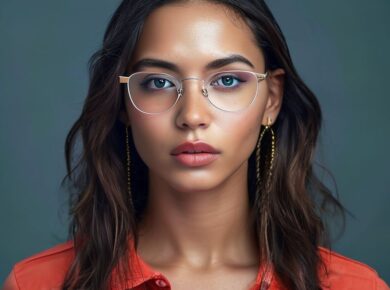
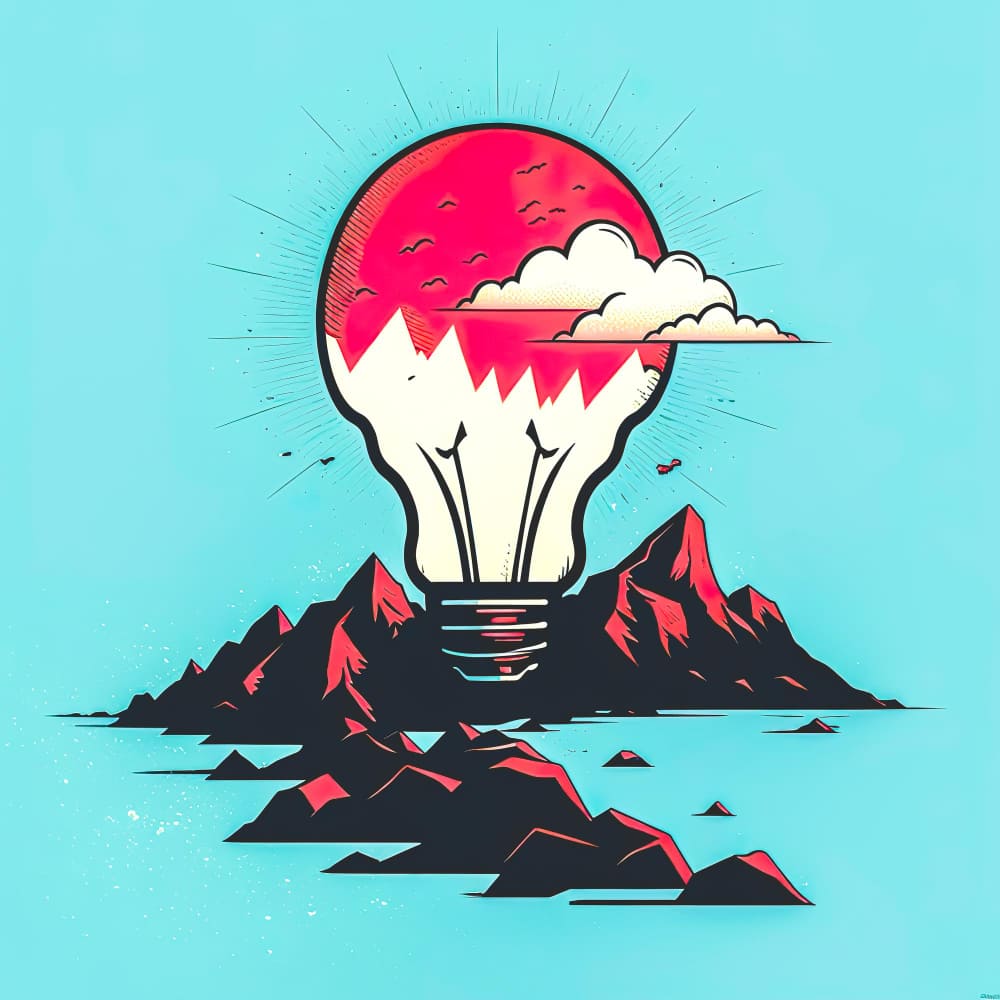
In the rapidly evolving landscape of digital marketing, staying ahead of the curve is crucial. One tool that’s gaining significant traction is AI-generated images. Are you wondering if AI images can truly replace human creativity or if they’re just a gimmick? Or perhaps you’re looking to create high-quality brand assets without breaking the bank? This comprehensive guide will walk you through a seven-pillar framework for prompting and a streamlined workflow to generate professional AI images for your business. Let’s dive in!
Why AI Image Generation for Business?
AI image generation is more than just a trend; it’s a game-changer. Here’s why businesses should consider integrating AI-generated images into their marketing strategy:
Cost-Effective Solution
One of the primary advantages of AI image generation is its cost-effectiveness. Traditional photography can be expensive, especially for businesses with tight budgets. AI tools can create high-quality images at a fraction of the cost, making them an attractive option for startups and small businesses.
Consistency and Scalability
AI-generated images offer consistency and scalability. You can produce an unlimited number of images with the same style and quality, ensuring brand consistency across all marketing materials. This is particularly useful for e-commerce businesses looking to showcase products from multiple angles.
Time-Saving
Creating images with AI is significantly faster than traditional methods. AI tools can generate images in seconds, allowing businesses to stay agile and responsive to market trends. This time-saving aspect is invaluable for marketers who need to produce content quickly.
Versatility
AI image generation tools are incredibly versatile. They can create a wide range of images, from product shots to social media graphics, blog headers, and more. This versatility makes AI a one-stop solution for various marketing needs.
Top AI Image Generation Tools
Several AI tools have emerged as leaders in the market. Each has its unique features and strengths. Let’s explore some of the top options:
DALL-E 2
DALL-E 2 is a powerful AI tool developed by researchers at OpenAI. It uses a technique called diffusion models to generate images from textual descriptions. DALL-E 2 can create highly detailed and realistic images, making it a popular choice for businesses.
Pros:
– Highly detailed and realistic images
– Versatile and can create a wide range of images
– User-friendly interface
Cons:
– Can be expensive, with usage fees
– Requires a good understanding of prompting to get the best results
Midjourney
Midjourney is another popular AI image generation tool that uses a technique called latent diffusion. It’s known for its ability to create unique and creative images. Midjourney is free to use, making it an attractive option for businesses on a budget.
Pros:
– Free to use
– Unique and creative image styles
– Easy to use with a simple interface
Cons:
– Image quality may not be as high as some paid tools
– Limited customization options
Stable Diffusion
Stable Diffusion is an open-source AI tool that’s gaining traction in the market. It’s based on the same technology as DALL-E 2 but is free to use. Stable Diffusion offers a good balance between cost and image quality.
Pros:
– Free to use
– Good image quality
– Open-source, allowing for customization
Cons:
– May require technical knowledge to set up and use
– Image styles may not be as diverse as some paid tools
Runway ML
Runway ML is a platform that offers a range of AI tools, including image generation. It’s known for its user-friendly interface and customization options. Runway ML is a paid service, but it offers a free tier for basic users.
Pros:
– User-friendly interface
– Customization options
– Good image quality
Cons:
– Paid service, with usage fees
– May require a learning curve to fully utilize
The Seven-Pillar Framework for Prompting AI Images
To get the best results from AI image generation tools, it’s essential to understand how to craft effective prompts. Here’s a seven-pillar framework to guide you:
Be Specific
AI tools rely on textual descriptions to generate images. The more specific your prompt, the better the results. Instead of saying “a cat,” say “a fluffy grey British Shorthair cat with green eyes and a scarf.”
Use Descriptive Language
Descriptive language helps AI tools understand the nuances of your vision. Instead of saying “a red car,” say “a vibrant, 1969 Ford Mustang convertible with a red vinyl roof and a white stripe down the middle.”
Include Style and Mood
Including style and mood in your prompt can significantly impact the final image. For example, instead of saying “a landscape,” say “a serene, sunlit landscape in the style of Claude Monet.”
Specify the Setting
Specifying the setting can help AI tools create more accurate and contextually relevant images. For example, instead of saying “a coffee,” say “a steaming cup of coffee on a rustic wooden table in a cozy café.”
Mention the Subject’s Pose and Expression
Mentioning the subject’s pose and expression can help AI tools create more dynamic and engaging images. For example, instead of saying “a person,” say “a confident businesswoman standing tall with a determined expression, holding a briefcase.”
Include Details and Accessories
Including details and accessories can help AI tools create more realistic and engaging images. For example, instead of saying “a dog,” say “a playful Golden Retriever puppy wearing a red bandana, sitting on a beach with waves crashing in the background.”
Experiment and Iterate
AI image generation is an iterative process. Don’t be afraid to experiment with different prompts and styles to find what works best for your business. Keep track of your favorite prompts and styles to save time in the future.
Streamlined Workflow for AI Image Generation
Once you’ve mastered the art of prompting, it’s time to integrate AI image generation into your workflow. Here’s a streamlined workflow to help you get started:
Define Your Objectives
Before you start generating images, it’s crucial to define your objectives. What do you want to achieve with AI-generated images? Are you looking to create product shots, social media graphics, or something else? Having clear objectives will help you create targeted and effective prompts.
Research and Inspiration
Research and inspiration are essential for creating effective prompts. Look at successful marketing campaigns, social media posts, and other visual content to get inspiration. Pay attention to the styles, colors, and moods that resonate with your target audience.
Create a Prompt Library
A prompt library is a collection of effective prompts that you can reuse and build upon. Start by creating a list of basic prompts, such as “a product shot of [product name]” or “a social media graphic for [event name].” As you gain more experience, you can add more complex and specific prompts to your library.
Generate and Review Images
Once you have a prompt, it’s time to generate images. Most AI tools allow you to generate multiple images from a single prompt. Review the images carefully and select the ones that best meet your objectives. Don’t be afraid to adjust your prompt and regenerate images if needed.
Edit and Optimize
AI-generated images may not always be perfect. Use image editing tools to optimize your images for your specific needs. This could involve cropping, resizing, adjusting colors, or adding text and graphics.
Publish and Promote
Finally, it’s time to publish and promote your AI-generated images. Share them on your social media channels, website, email marketing campaigns, and other marketing materials. Track their performance and use the insights to refine your prompts and workflow.
Case Studies: Successful AI Image Integration
Let’s take a look at some businesses that have successfully integrated AI-generated images into their marketing strategies:
Coca-Cola
Coca-Cola has been using AI-generated images to create unique and engaging marketing content. They’ve used AI tools to create images of their products in unusual settings, such as a polar bear enjoying a Coca-Cola in the Arctic. These images have resonated with consumers and helped Coca-Cola stand out in a crowded market.
L’Oréal
L’Oréal has been using AI to create personalized beauty recommendations for their customers. They’ve used AI tools to generate images of their products applied to customers’ faces, based on their skin tone and other factors. This has helped L’Oréal create more relevant and engaging marketing content.
IKEA
IKEA has been using AI to create virtual showrooms for their customers. They’ve used AI tools to generate images of their furniture in customers’ homes, based on measurements and other factors. This has helped IKEA create a more personalized and engaging shopping experience.
FAQs: Common Questions About AI Image Generation
Is AI Image Generation Cheating?
AI image generation is not cheating. It’s a tool that can help businesses create high-quality images quickly and cost-effectively. However, it’s essential to use AI-generated images responsibly and ethically. Always credit the AI tool and the artist whose work inspired the image.
Can AI-Generated Images Replace Human Creativity?
AI-generated images can augment human creativity, but they cannot replace it. AI tools can create high-quality images quickly, but they lack the emotional intelligence and contextual understanding that human creators possess. The best approach is to use AI as a tool to augment and inspire human creativity.
How Much Does AI Image Generation Cost?
The cost of AI image generation varies depending on the tool and your usage. Some tools offer free tiers, while others require a subscription or pay-per-use model. It’s essential to research and choose a tool that fits your budget and needs.
Can AI-Generated Images Be Used for Commercial Purposes?
Yes, AI-generated images can be used for commercial purposes. However, it’s essential to ensure that you have the necessary permissions and licenses. Always check the terms of service for the AI tool you’re using and consult with a legal expert if needed.
How Long Does It Take to Generate an AI Image?
The time it takes to generate an AI image varies depending on the tool and your prompt. Most AI tools can generate images in seconds, but some may take longer, especially if you’re using complex prompts or styles.
Can AI-Generated Images Be Customized?
Yes, AI-generated images can be customized to some extent. Most AI tools allow you to adjust the style, colors, and other aspects of the image. However, the level of customization may vary depending on the tool.
How Accurate Are AI-Generated Images?
The accuracy of AI-generated images varies depending on the tool and your prompt. Some AI tools can create highly realistic images, while others may produce more abstract or stylized results. It’s essential to experiment with different tools and prompts to find the best fit for your needs.
Conclusion
AI image generation is a powerful tool for businesses looking to create high-quality images quickly and cost-effectively. By understanding the seven-pillar framework for prompting and following a streamlined workflow, you can integrate AI-generated images into your marketing strategy successfully. Don’t be afraid to experiment and iterate to find what works best for your business. With the right approach, AI image generation can help you stand out in a crowded market and engage your target audience more effectively.
Ready to take your marketing to the next level with AI-generated images? InfluencersWiki is here to help. Contact us today to learn more about our AI image generation services and how we can help your business succeed.

 InfluencerBlogger